AI Workflow Generation
Describe It. AI Builds It.
Tell the AI Workflow Assistant what you want to automate in plain language — it assembles the workflow for you.
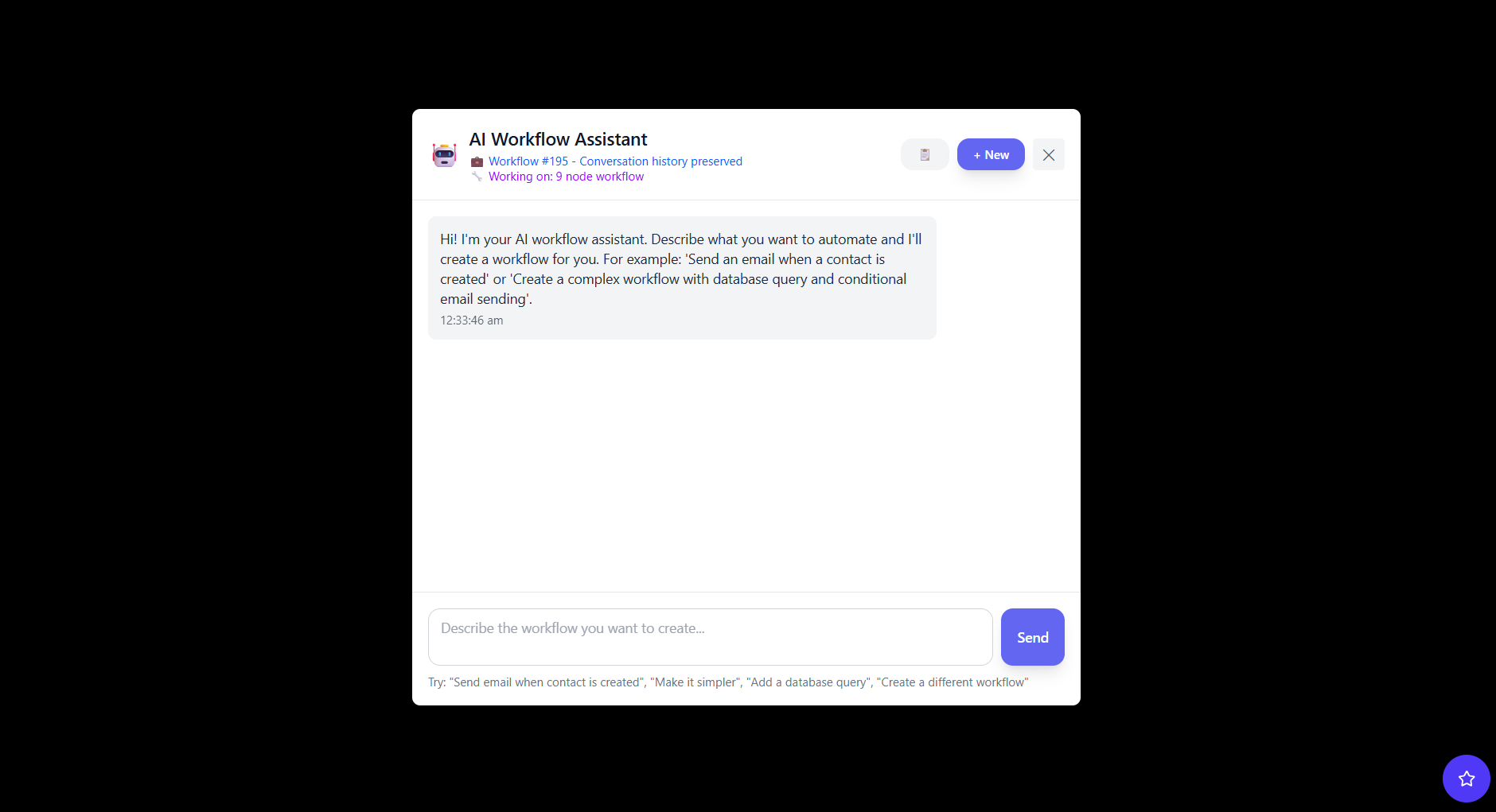
Describe what you want to automate in plain language and let Unodeskly help build the workflow. Then run AI-powered steps inside your automations — connected to the apps you already use.
Tell the AI Workflow Assistant what you want to automate in plain language — it assembles the workflow for you.
AI agents are automation steps powered by AI. They turn instructions into actions and bring intelligence to the workflows you already run.
Explain the process you want to automate and let AI help assemble the workflow for you.
Add AI nodes that summarize, classify, draft replies, and make decisions as part of any automation.
Process emails, documents, and form submissions, then extract the data your workflow needs.
Let agents route tasks, choose the next step, and branch workflows based on what they read.
Agents work with your connected tools, so a decision in one app triggers an action in another.
Review every run with execution monitoring, so you can see exactly what each agent did.
Tell Unodeskly what you want to automate in plain language, or start from a visual workflow.
Link your apps, choose the AI steps, and set the triggers that start your agent.
Your agent runs automatically. Watch each execution and refine as you go.
Extract key fields from invoices, forms, and contracts into structured data.
Try ItAI agents run on the same platform that powers your workflows and integrations.
An AI agent is an automation step powered by AI. It can read content, make decisions, and take actions as part of a workflow, working alongside the other nodes you connect.
No. You can describe what you want in plain language and build agents on a visual canvas. Advanced users can still add custom logic when they need it.
Yes. Agents run inside workflows that connect to your tools through 300+ built-in nodes, APIs, and webhooks using secure OAuth connections.
Every workflow run is captured with execution monitoring, so you can review each step an agent took and troubleshoot when needed.
You can use the cloud platform or deploy Unodeskly on-premise to keep data within your own network.
Start free, describe a task, and let Unodeskly help you automate it.
Get Started Free